The free Colour Contrast Checker and CSS Style Sheet every designer needs (built with AI)
For years, website colour combinations and type sizes have been a bit of a grey area for designers – particularly when it comes to checking colour contrast for accessibility and setting CSS type styles.
More often than not, they need to be refined once a website’s design is realised on-screen. This, of course, is fine if you don’t mind hovering behind your web developer’s shoulder and adjusting sizes, colours and fonts there and then. But for teams that work remotely, or simply don’t have time to modify entire style sheets during the build stage, it’s never been the best approach.
So we decided to do something about it.
Introducing the CRUSH Colour Contrast Checker and CSS Style Sheet
Instead of waiting around for someone else to develop it, we’ve gone out and created the exact tool that our designers have been looking for.
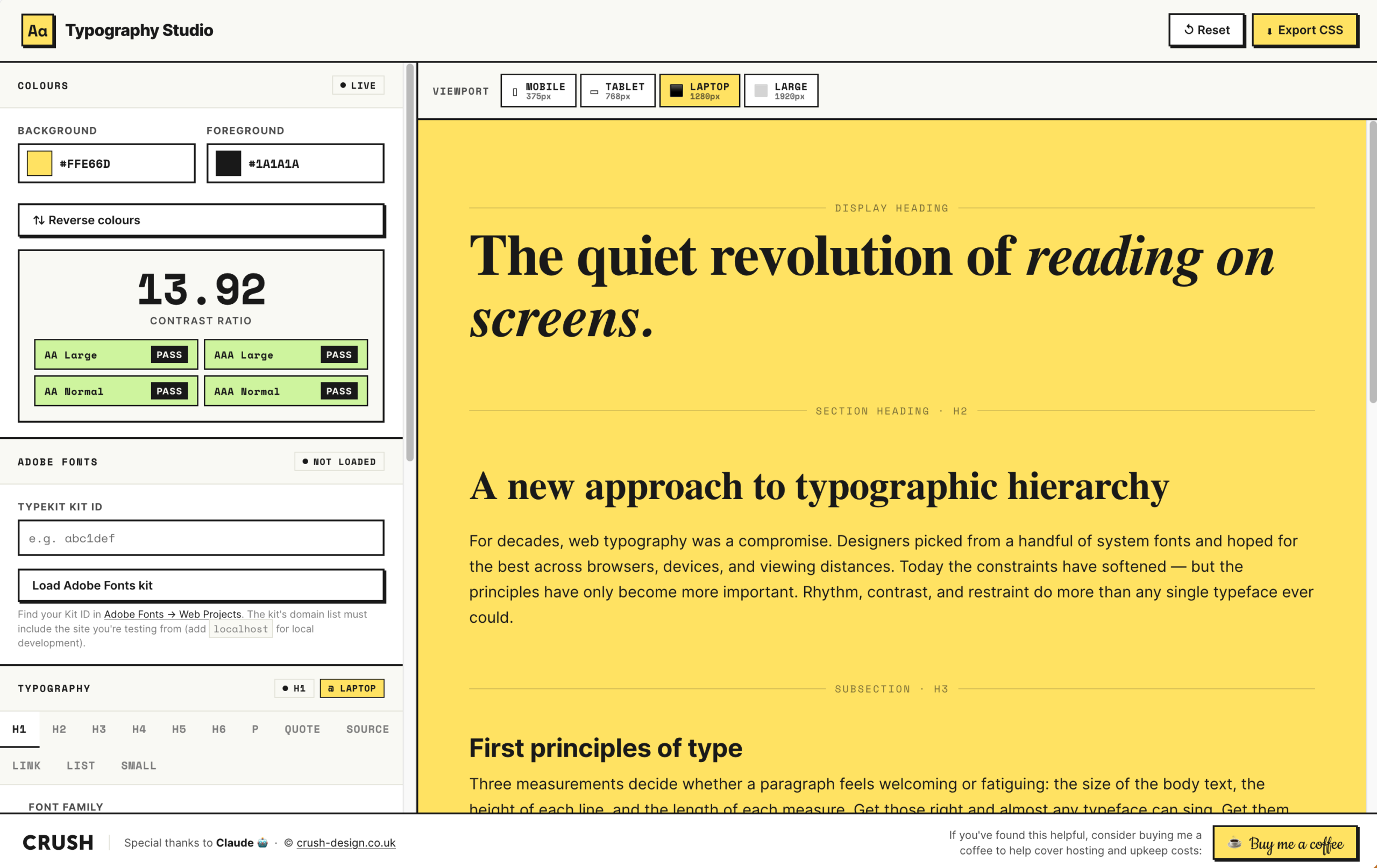
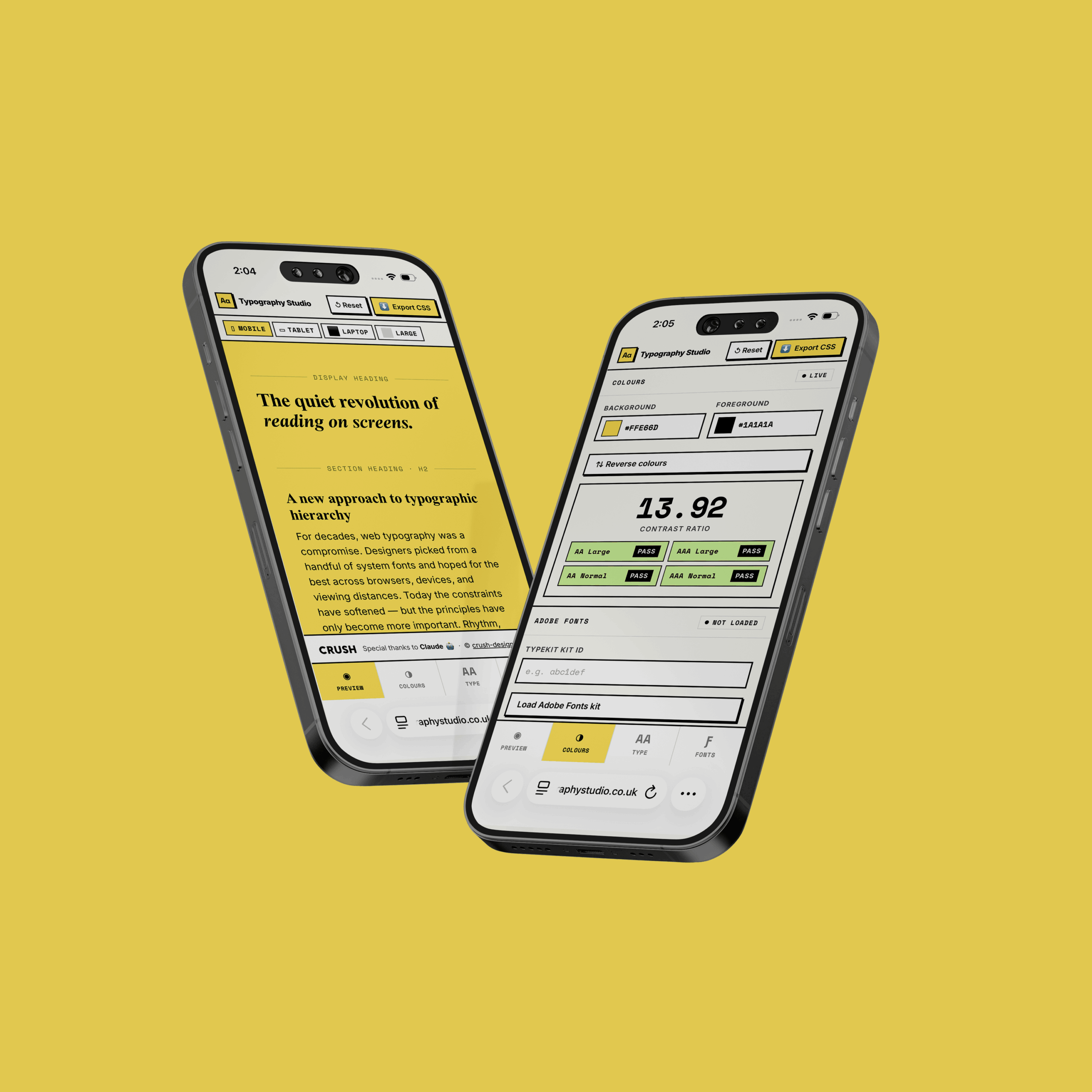
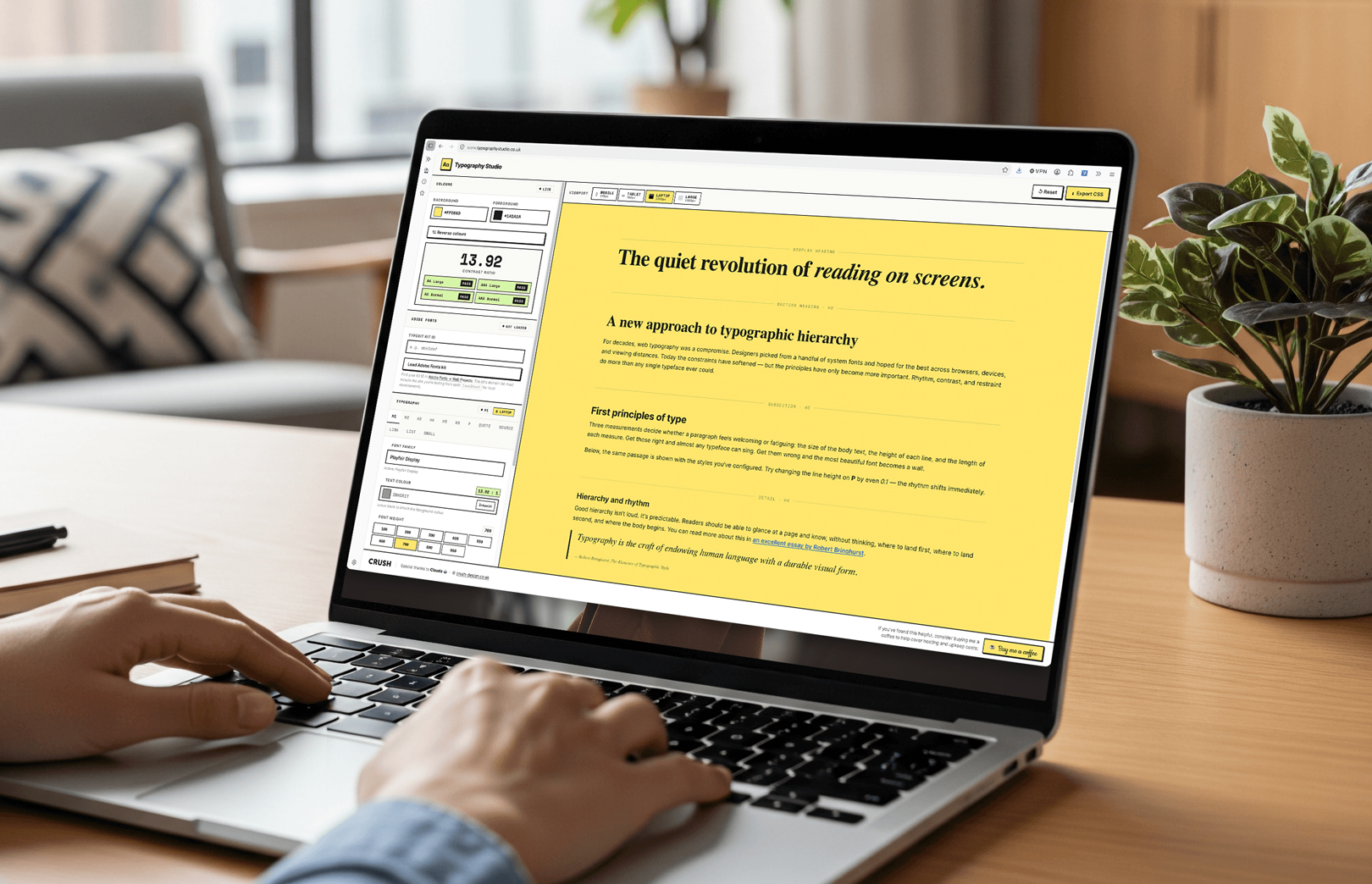
The CRUSH Colour Contrast Checker and CSS Style Sheet tests colour combinations against WCAG AA and AAA accessibility standards, accesses Adobe and Google font libraries, sets type sizes for all screen sizes, and lets you see it all happen on-screen, in real-time. It even spits out the CSS code to pass straight to your developers.
Say goodbye to the headache of website typography. This is a new, smarter way that, thankfully, gets rid of the guesswork.
Created by designers, for designers
Our colour checker and style sheet tool was actually vibe coded by our Lead Designer, James, who over the past year has taken a particular interest in AI.
How can it be used to create genuinely helpful things? Can it speed up projects? Will it work in practice?
In his search to answer these questions, he stumbled down the path of vibe coding, where you ask prompts to create a website, rather than write the code from scratch. He even supported Natalie in delivering a workshop on it in May, alongside Darrell Taylor from Tech Exchange Chesterfield, teaching local businesses how they could use it to build their own websites.
A designer’s perspective on vibe coding and AI web development
The truth is, in spite of any hesitancy or uncertainty, AI is here. Clients are asking about it. People, including designers (we know you’re out there), are using it.
It’s not that we have to follow the herd, of course not, but the reality is that we need to explore what AI has to offer. This Colour Contrast Checker and CSS Style Sheet is the output of that exploration, and frankly it’s going to be a really useful thing for us in the studio.
Want to try? Go ahead
We’ve made the website for this tool live, open and free for any designer or developer who wants to try, or even use regularly from project-to-project.
To get started, all you have to do is simply enter your brand’s hex colour codes, choose your fonts from the Adobe or Google libraries, and set your base type sizes. The tool will then show you on-screen which colour combinations pass or fail WCAG standards, and generate a complete CSS style sheet for you to hand over to your development team.
Try the free WCAG colour contrast checker and CSS style sheet at typographystudio.co.uk and let us know what you think. You could even buy us a coffee, if you’re feeling generous.
Next story